The free classroom companion, on the web.
Maestro Academy is Playtime's music-education site — lessons, reading trainers, quizzes, live multiplayer party games and progress analytics, all in the browser at academy.musicutil.com. Nothing to install, works on Chromebooks, and it's free for classrooms.
Twelve multiplayer party games. One room code.
Someone hosts, everyone else joins with a five-letter code or a shared link — no accounts needed. Build a little avatar (pick your face, color and instrument), then race balloons, tug the rope, survive the zombie jam, paint the floor in team colors, out-fish the room in Bass Masters, or take on the Kraken together. Every game adjusts from beginner to advanced, so a 3rd-grader and their band-director parent can play the same round.
Teachers can invite whole classes with one tap — students see a LIVE NOW banner and pile in.
🎈 Play the Live Games now — no sign-in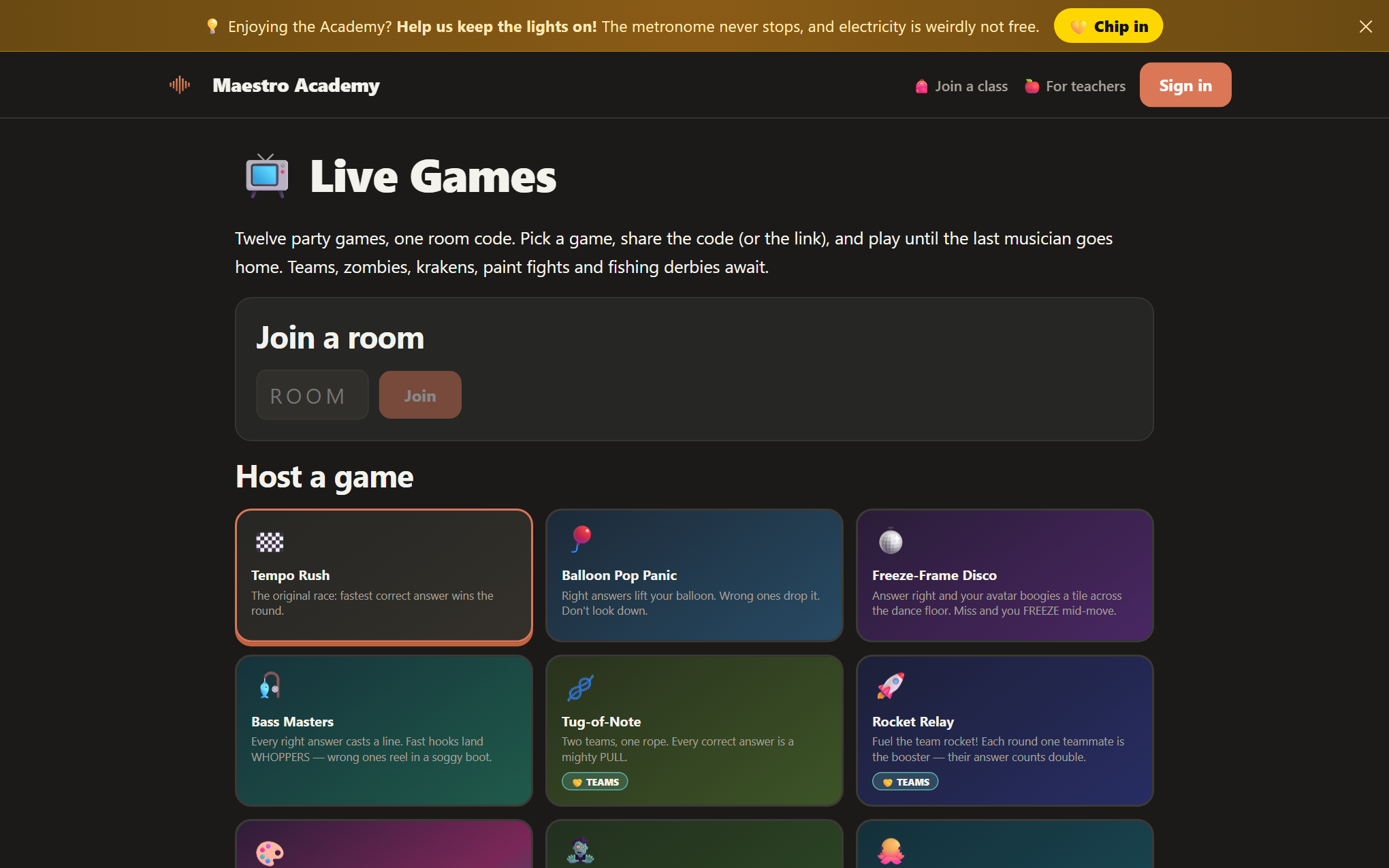
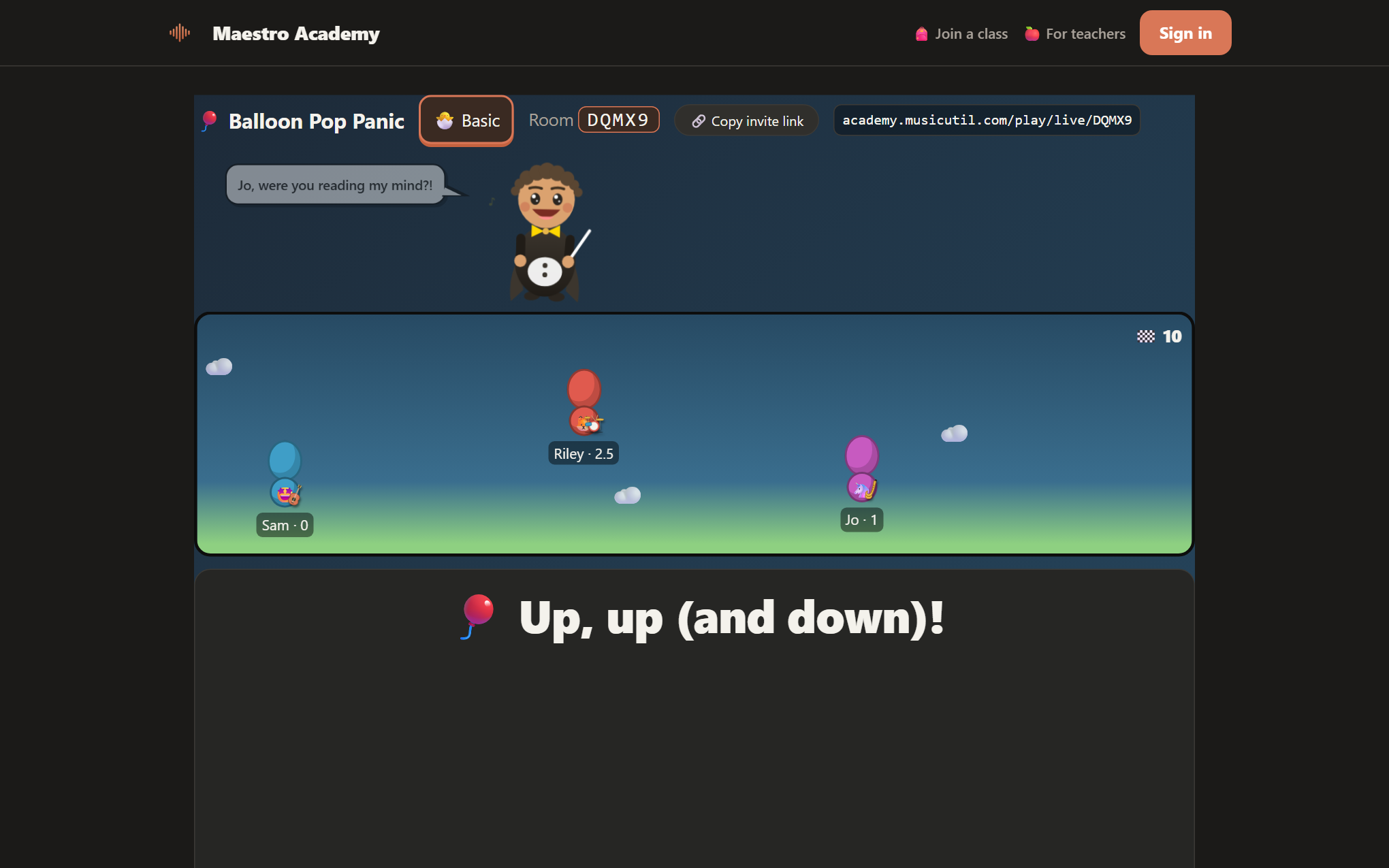
Right answers move things.
Every game has a living stage: balloons climb, ropes pull, rockets fuel, dancers freeze mid-boogie. Questions come from the same theory engine as the app — intervals, chords, key signatures, rhythm, even Nashville numbers and jazz voicings for the brave.
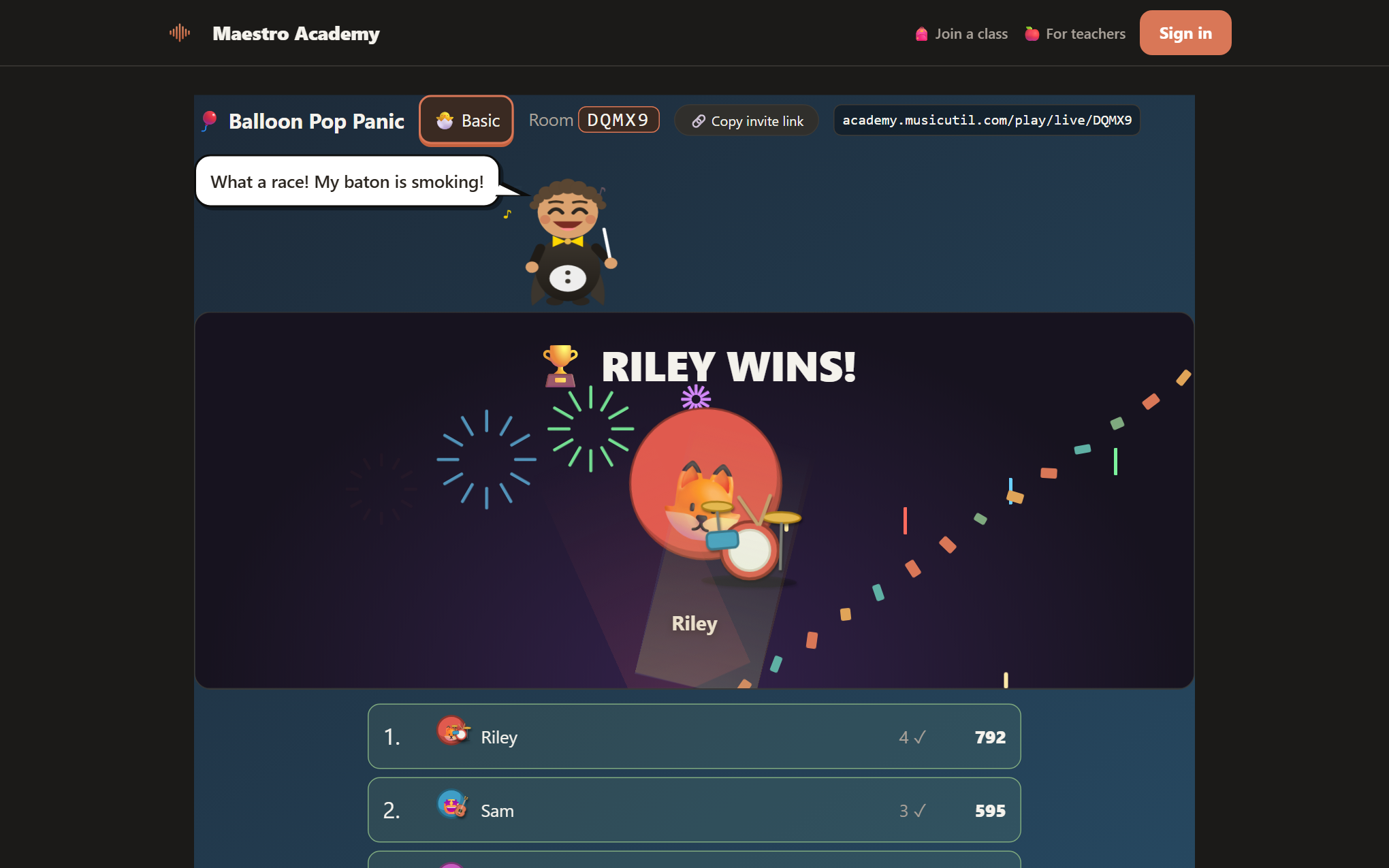
Fireworks. Obviously.
The screen explodes and the winners' avatars jam center-stage with their instruments while the standings roll. One tap rematches with the same crew — the room lives until the last player heads home.
A real teaching toolkit — not just games.
Classes without email
Students join with a class code, a username and a PIN — no student email addresses, ever. Teachers verify with a school email.
Quizzes & assignments
Build quizzes from the question engine or from scratch, assign games and lessons, and grade from one gradebook.
Learning modules
Ready-made lessons — Meet the Staff, chords, modes, blues and more — that teachers switch on per class, with their own notes.
Messaging
Message one student, a class, or everyone — with optional email delivery. Students reply from their hub.
Analytics + Maestro feedback
Per-student accuracy by skill, practice streaks, and plain-language feedback on what to practice next.
Individual Pathways
No classroom? App subscribers get the whole learning side solo — lessons, self-quizzes, stats and games.
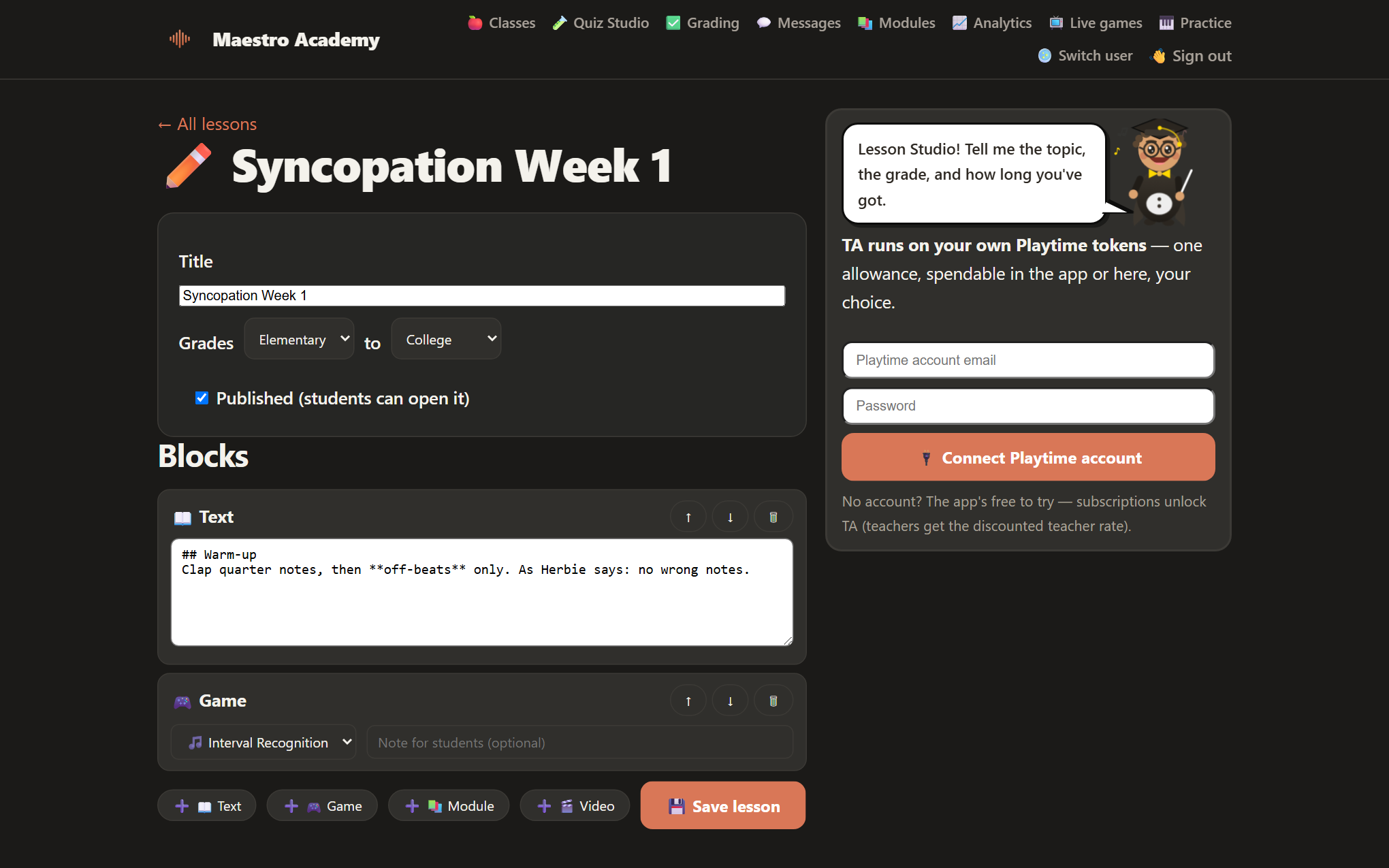
Lesson Studio: build lessons like LEGO.
Stack blocks — explanation text, any Academy game, any learning module, a video — into a lesson, set the grade range, and publish. Students see it under Lessons and check it off when done. No more emailing PDFs around.
It's how practice becomes progress: the explanation, the drill and the assessment live in one place, in the order you chose.
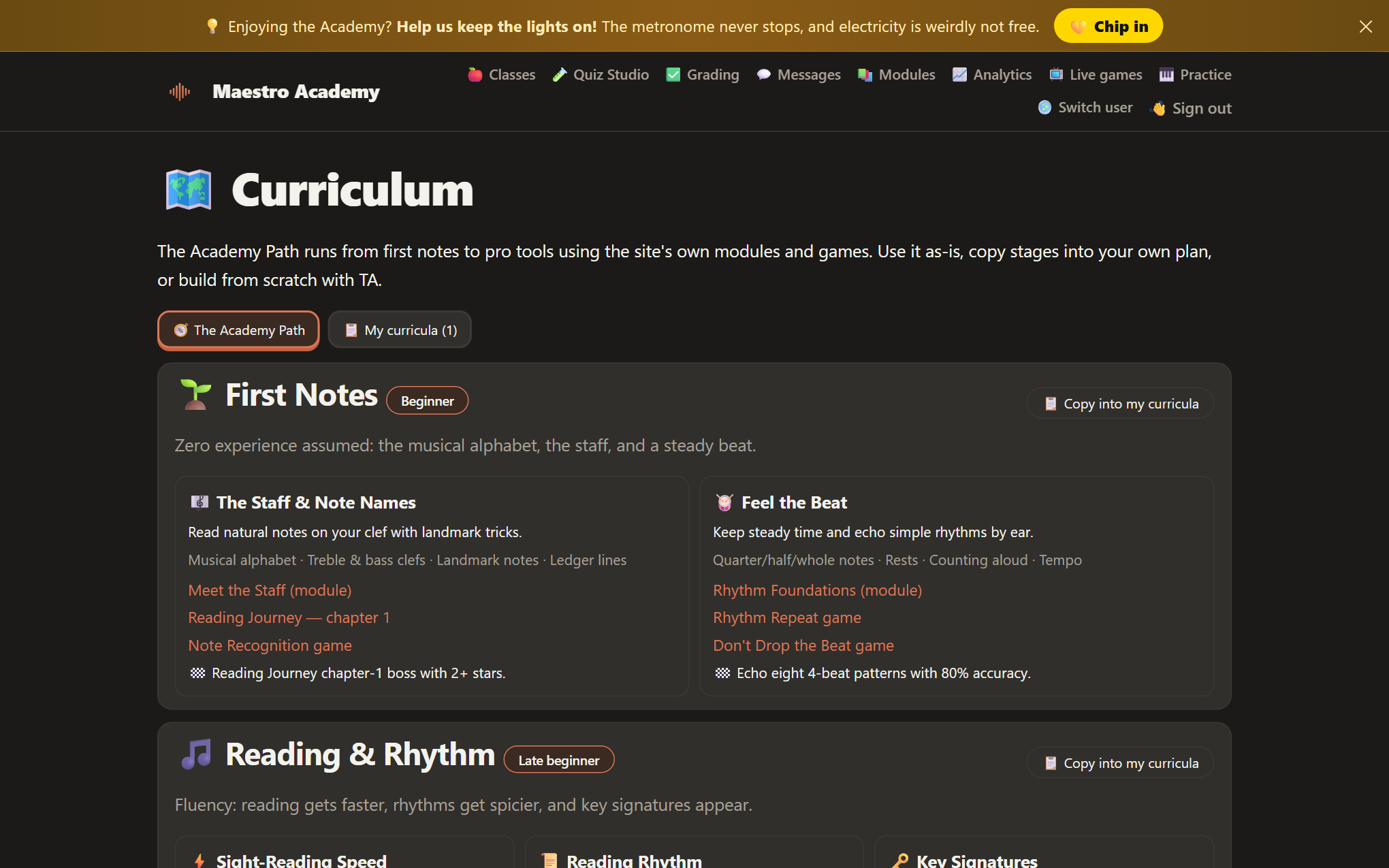
A path from first notes to pro.
The built-in Academy Path runs six stages — First Notes, Reading & Rhythm, Ears & Intervals, Chords & Harmony, Modes Blues & Jazz, and Pro Tools — every unit wired to real Academy games and modules with a concrete "you pass when…" bar. Teachers copy any stage into their own plan and remix it.
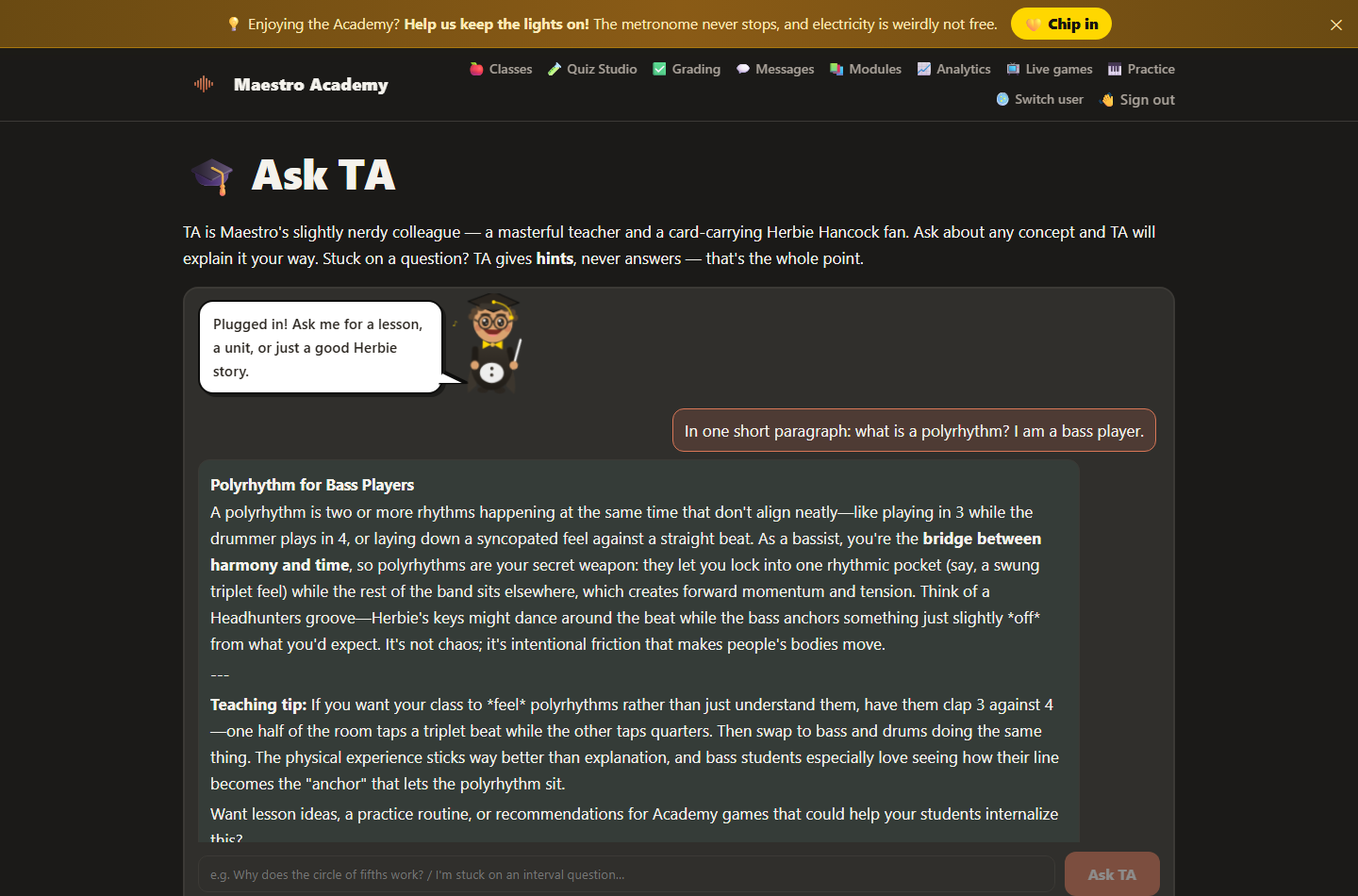
The AI teaching assistant with a Herbie Hancock habit.
TA drafts lesson plans and curricula with teachers — objectives, timed activities, differentiation, and which Academy games to close with — then drops them straight into Lesson Studio with one tap.
Students get TA too, with one rule: hints, never answers. Ask what an interval is and you'll get a masterclass; ask what interval C–G is and you'll get "count the letter names on your fingers." TA reads how each student learns — patterns, sounds, pictures — and explains their way. Runs on your Playtime subscription tokens, spendable in the app or the Academy.
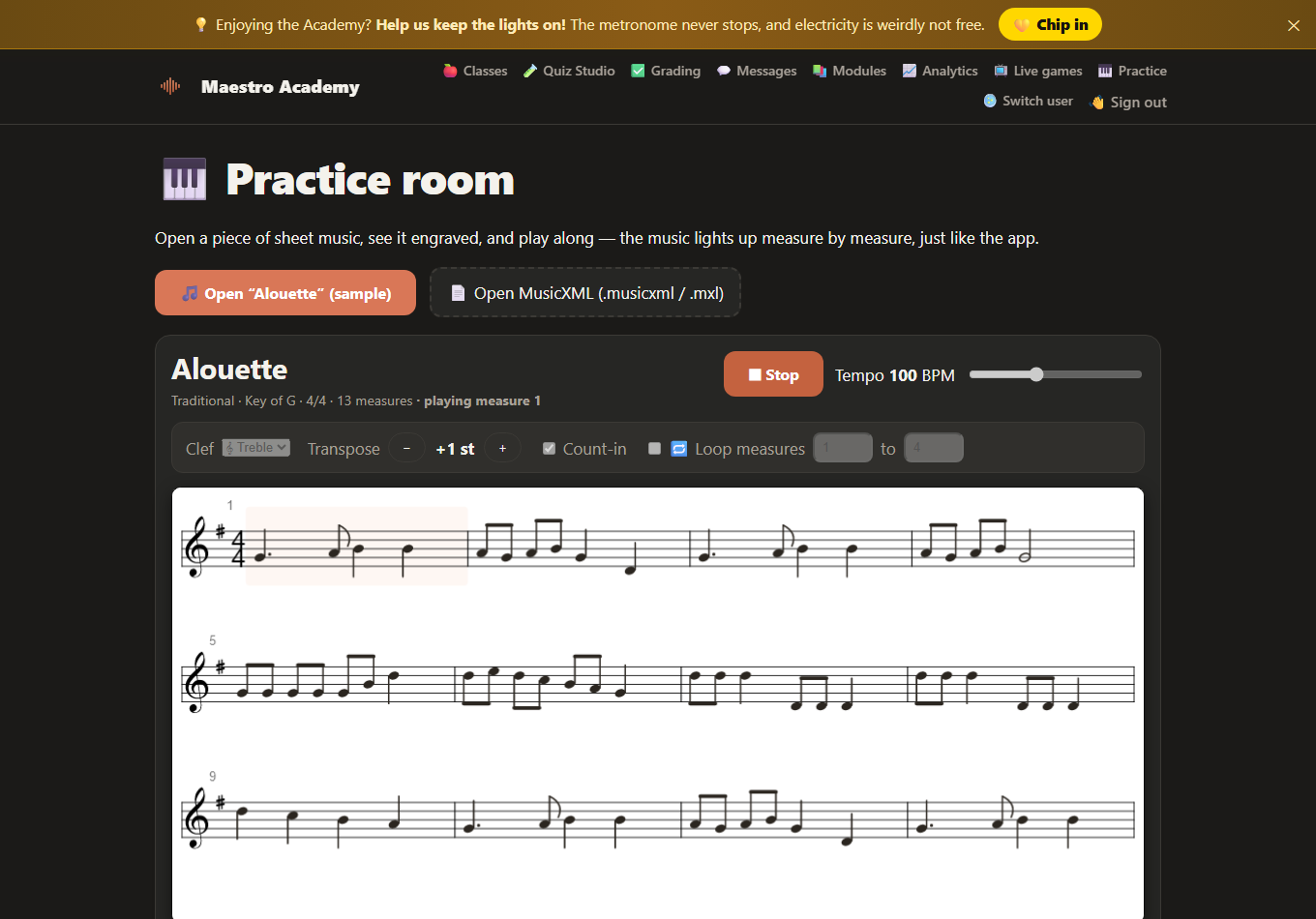
Real sheet music, lit up measure by measure.
Open any MusicXML score (or the built-in samples) and the Academy engraves it on real staves — then plays it with a moving highlight, loopable measures, transpose, a count-in and your choice of clef. Slow is smooth, smooth is fast.
From "what's a staff?" to sight-reading.
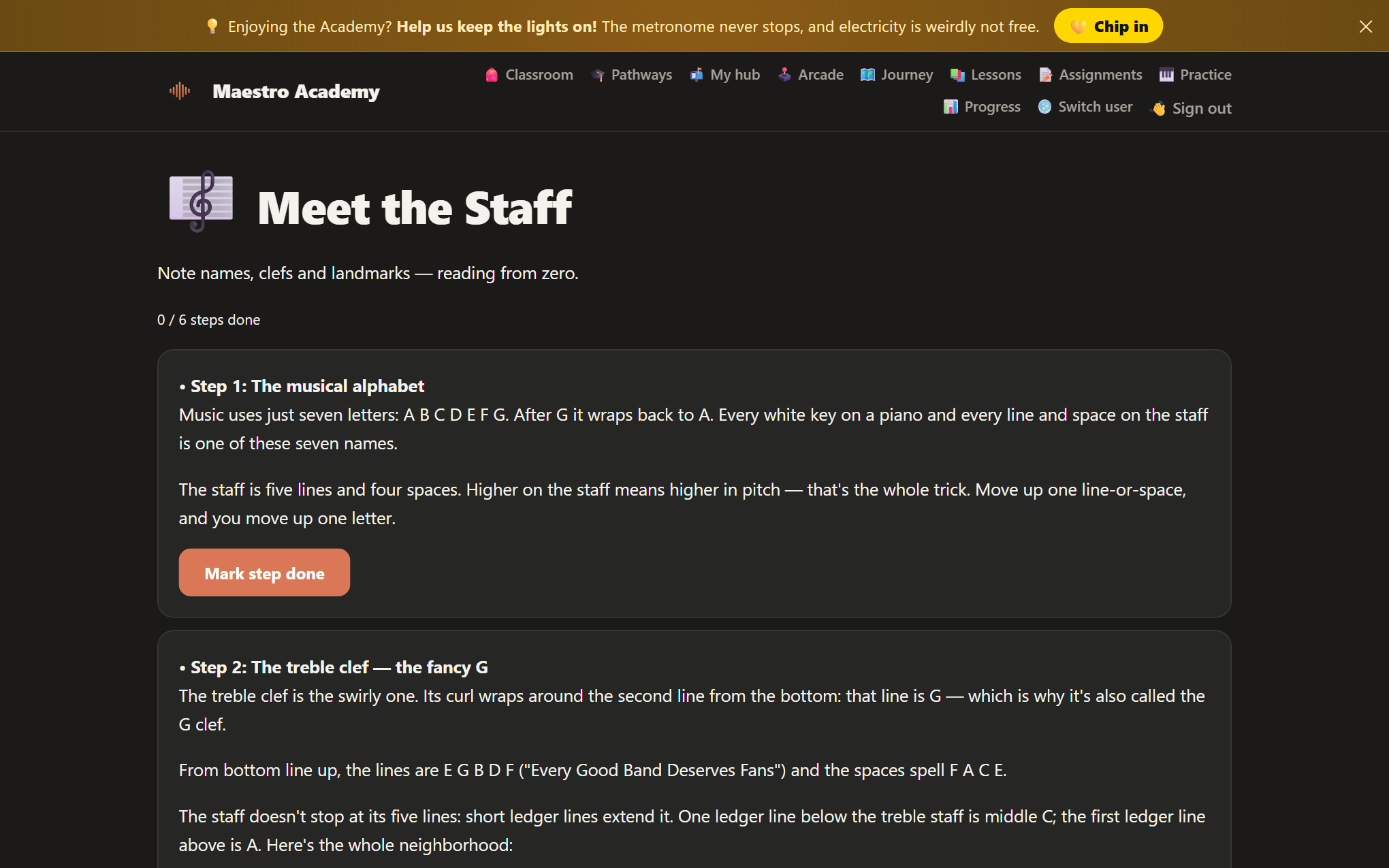
Meet the Staff introduces every clef with landmark tricks, then the Reading Journey levels students up note by note — on the clef their instrument actually uses. Violists get alto. Pianists get both staves.
Every round teaches you both something.
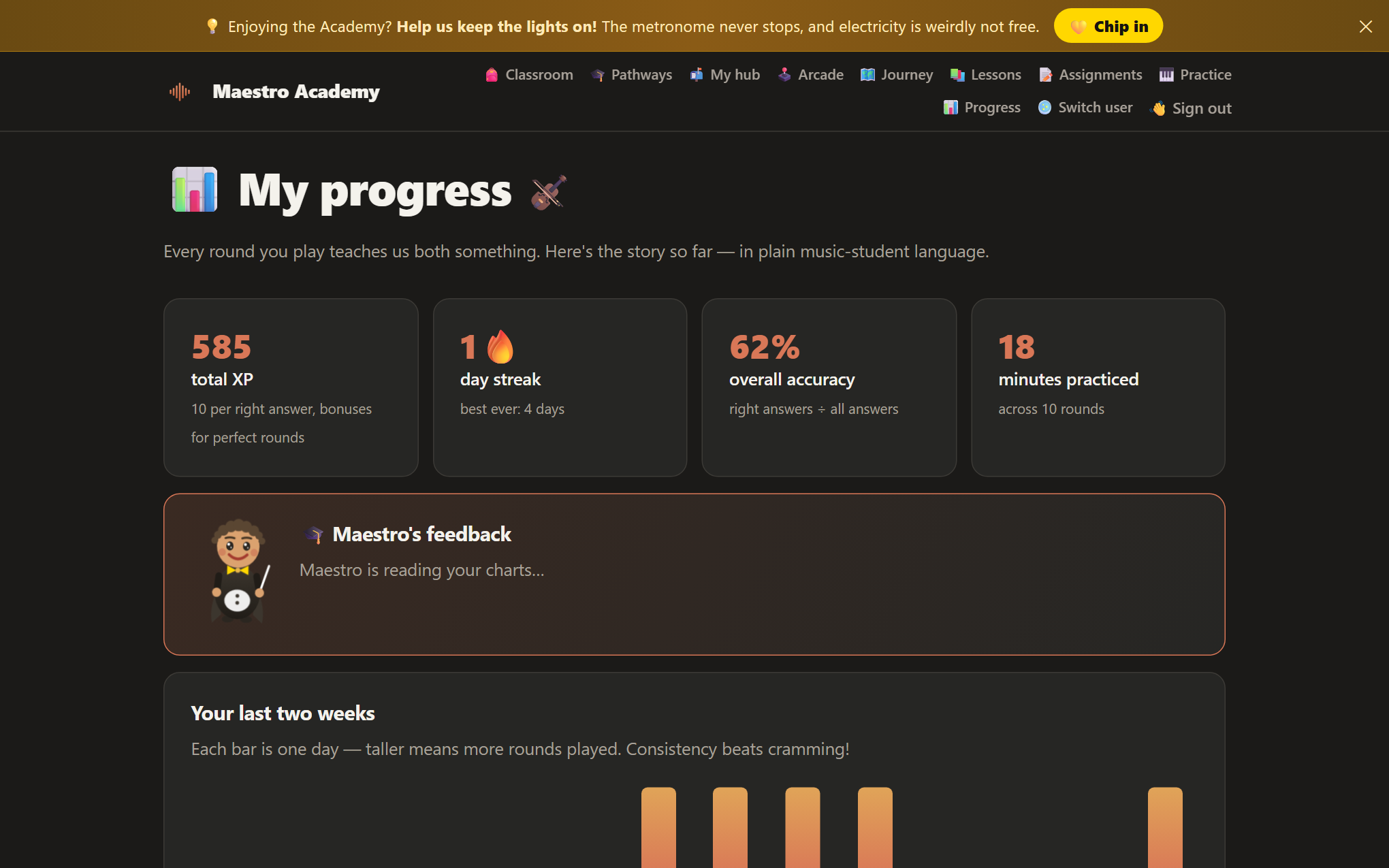
Students see their XP, streaks, accuracy and a two-week practice graph in plain music-student language — plus Maestro's feedback on what's strong and what needs another lap.